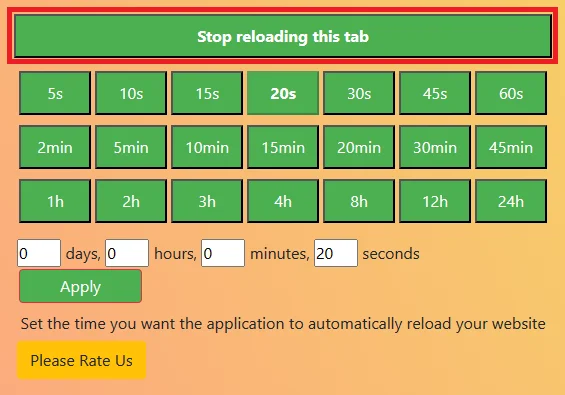
I would like to introduce “Tab Auto Refresh”, an Edge browser extension that automatically refreshes web pages.
Before you install
The interface and permissions may change. These screenshots date from 2024, so check the current listing and confirmation prompt for the publisher and requested permissions. Limit site access to the sites you need or “On click.” Avoid auto-refresh on pages where repeated loads could have unwanted effects, such as while submitting a form.
Installing Tab Auto Refresh
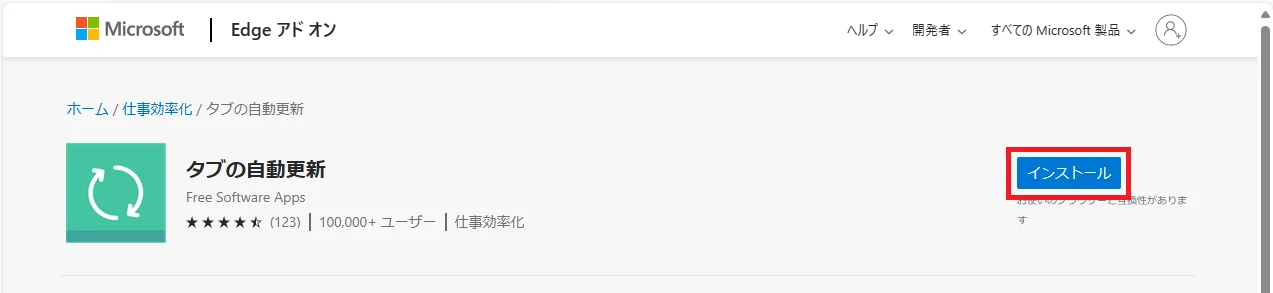
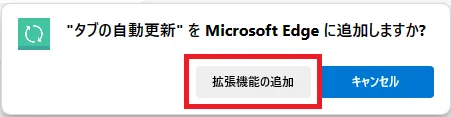
On the listing, click Get. Review the requested permissions in the prompt before clicking Add extension.
Click Add extension.
How to Use
Once the installation is complete, an icon will be added to the top right of Edge.

Open the web page you want to auto-refresh and click the icon to start auto-refreshing.
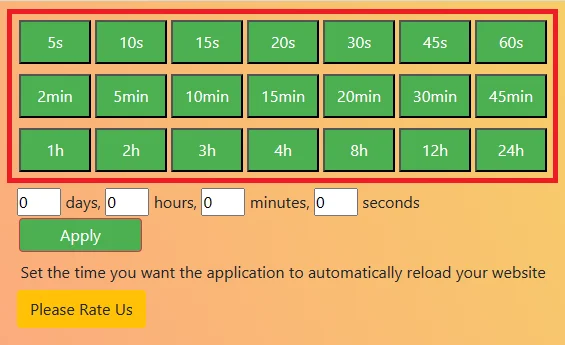
The part in the green frame is the auto-refresh interval. Please select the timing to auto-refresh.
To stop auto-refreshing, click the icon and then click Stop reloading this tab.