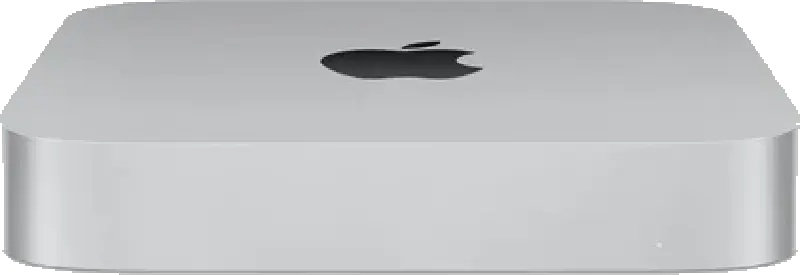
Purchased a Mac mini (2018)
I bought an older used Mac mini (2018) on Mercari. The specs are below.
- CPU: 3.2GHz 6-Core Intel Core i7
- Memory: 32GB
- Storage: 1TB SSD
The price was 77,000 JPY
Reason for purchase
- I use a Mac mini with almost the same specs at work for smartphone app development, but I wanted to set up a development environment at home as well (especially for running Xcode).
- I have a MacBook Pro, but it’s 9 years old and runs very slowly, so I hardly use it.
- I wanted to develop iOS apps personally.
Immediately installed Xcode and IntelliJ IDEA
The Xcode version is 14.3 (14E222b)

The IntelliJ IDEA version is 2023.1

Let’s get to developing!
Current compatibility note
This post records a purchase and development setup from April 2, 2023; it is not a current buying recommendation. As of November 24, 2026, Mac mini (2018) is not on the compatibility list for macOS Tahoe 26. Xcode 27 runs only on Apple silicon Macs; Intel-based Macs need Xcode 26 or earlier. Check the supported macOS and Xcode versions before buying a used unit or setting up a development environment.