A must-see for engineers who want to output the current time in the global standard ISO8601 format using C++! This article clearly introduces code examples utilizing C++20's std::format and chrono library to smartly and concisely perform time format conversion.
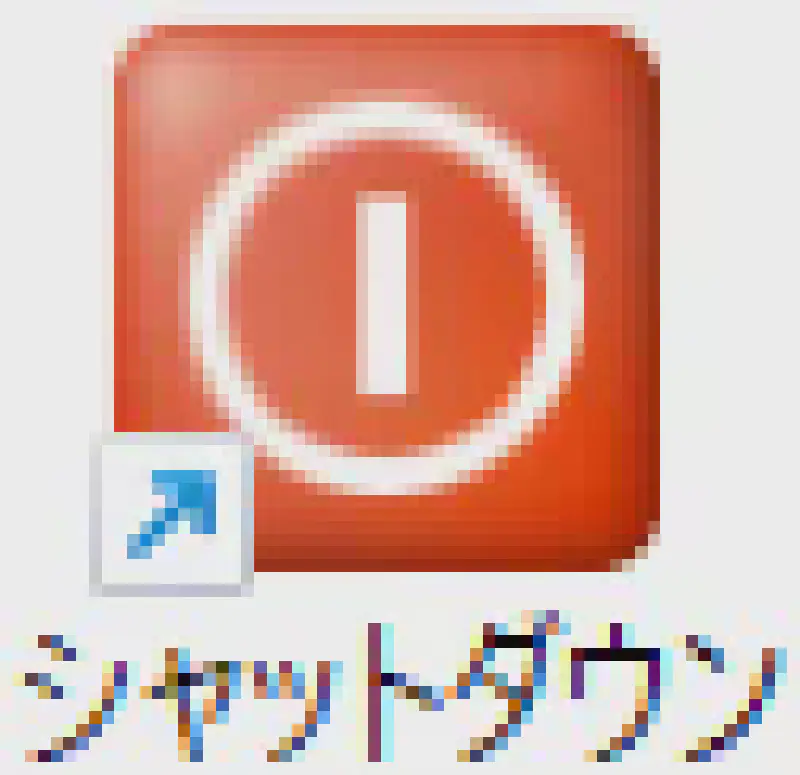
Explains how to create a handy shortcut that lets you shut down Windows with a single click from the desktop. Details the setup process using the 'shutdown.exe' command and how to change it to an easy-to-understand icon, complete with images.
Explains how to apply a mosaic effect to a part of an image using the free image editing software 'paint.net'. Introduces the steps to specify the range with the selection tool and set the effect function for beginners. A useful privacy protection technique when uploading images to SNS or blogs.
Explains how to add a border to an image using the image editing software paint.net. Introduces the steps to create a border by specifying colors with the secondary color and utilizing canvas size changes for beginners. A useful technique that comes in handy right away when you want to decorate images for blogs or material creation.
We explain how to use 'Ranklet', a service that can easily and automatically display popular page rankings of a site by linking with Google Analytics. Taking a HUGO blog as an example, we introduce setting procedures and HTML/CSS template customization methods.
Summarizes convenient online code execution environments by language (Python, JavaScript, C++, etc.) that let you easily start programming without needing to set up an environment. Details the features of platforms like Google Colab and AWS Cloud9.
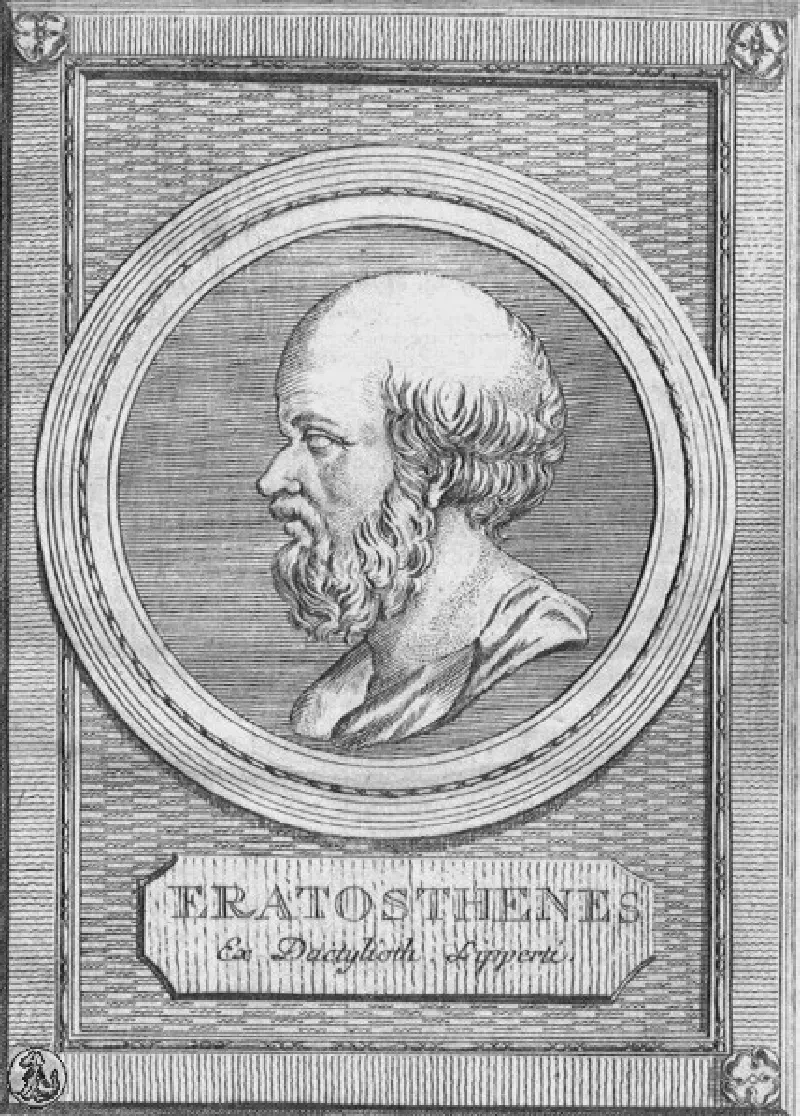
Clearly explains the mechanism and specific steps of the 'Sieve of Eratosthenes', an algorithm for finding prime numbers efficiently. Also introduces an implementation example in Rust to enumerate primes up to 1000.
A detailed explanation of the steps to install CocoaPods using the terminal in a Mac environment. Also introduces error resolution methods when executing 'sudo gem install cocoapods' and installation commands using Homebrew.
Explains the specific method and query syntax to aggregate and retrieve daily record creation counts for Accounts and other objects using SOQL from the Salesforce Developer Console. You will understand the procedure for convenient data analysis using the GROUP BY clause.
Explains the steps for beginners to easily draw and display sine and cosine wave graphs using Python's matplotlib.pyplot library with Google Colaboratory. You can try it immediately without any environment setup.
Explains the steps to execute automated tweets in Python (tweepy) using the Twitter API and Google Colaboratory. From setting API keys to the actual code, you can try it right away with copy and paste.
Explains how to build the 'OpenSSL' cryptographic communication library for C in a Windows environment. Details everything from preparing necessary tools like Perl, NASM, and Visual Studio 2022 to the actual source code build process.
We clearly explain the meaning and origin of 'i18n (Internationalization)', which is often heard in software development. We have summarized the main items to consider when making apps or systems globally compatible, such as character codes, date/time notation, and currency information.
We explain the installation and basic usage of 'reveal.js', a tool that allows you to intuitively create presentations using HTML and Markdown. We introduce ways to utilize it that support animations and PDF output, and have excellent compatibility with version control like Git.
Why not create illustrations to your liking using the AI 'Stable Diffusion', which can generate high-quality images from text input? We provide an easy-to-understand explanation of the steps for anyone to easily start AI image generation using only Google Colab and a free account.
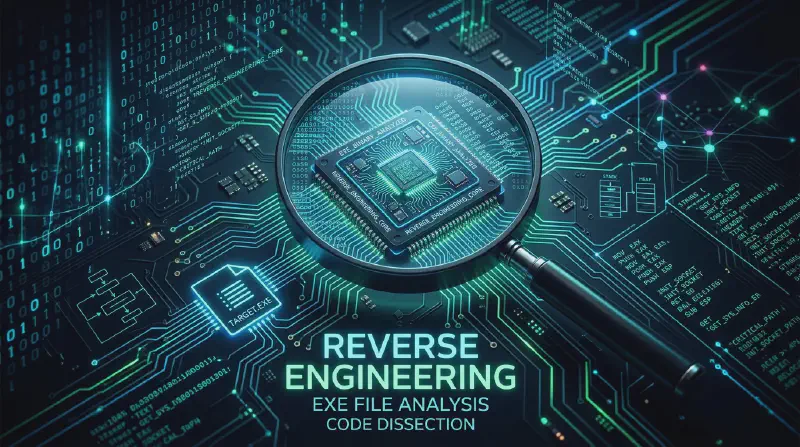
We introduce recommended tools that can analyze and extract the contents of Windows executable files (exe). We explain in an easy-to-understand way how to check PE format structures, extract resources, and edit binaries using tools like 7-Zip and Resource Hacker.
We clearly explain the installation procedure and setting method for a convenient third-party app that realizes application switching like 'Alt+Tab' on Windows, which is difficult with Mac's standard features.
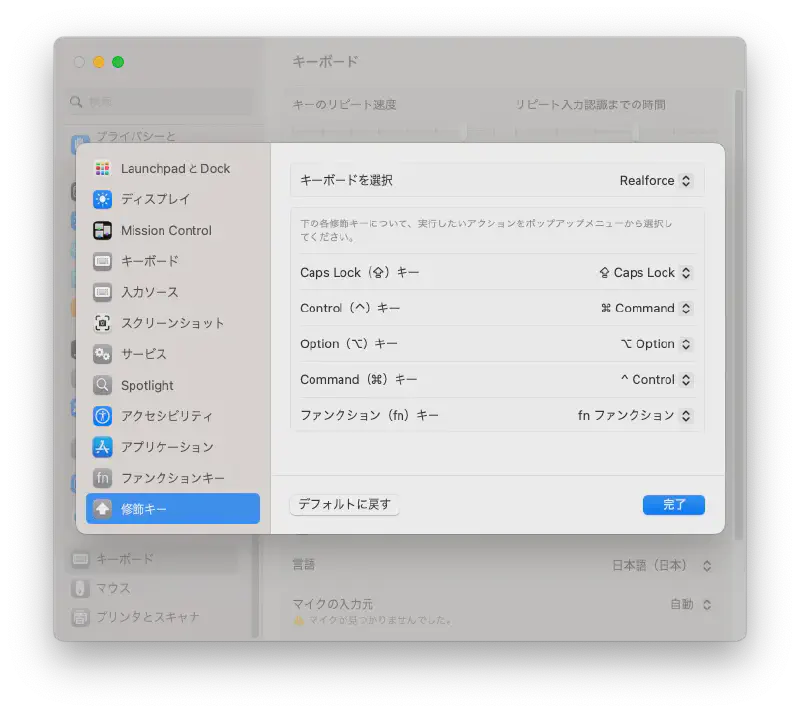
We introduce the procedure to change modifier keys from System Preferences to match copy & paste shortcut keys to Windows style (Ctrl key based), which is convenient when using Mac and Windows together.
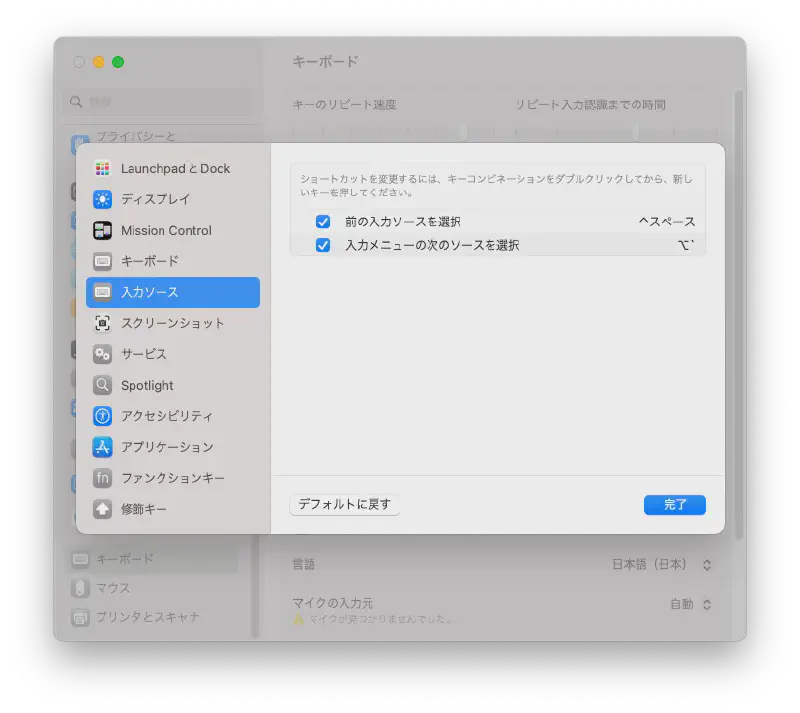
Explains how to change the Japanese and English input switching shortcut on Mac (US keyboard) to your preferred key combination like 'Alt + `'. Also introduces the setup procedure in macOS Ventura and settings to prevent katakana from being included when switching.
Explains how to easily find the save location (full path) of an executable file using the Windows Command Prompt or PowerShell. Introduces a handy trick to quickly identify the exact location of an app in your path using the 'where' command.
![Featured image of post [C++20] Simple Code Example for Outputting Current Time in ISO8601 Format (UTC)](/p/c-%E3%81%A7%E7%8F%BE%E5%9C%A8%E6%99%82%E5%88%BB%E3%82%92iso8601%E3%83%95%E3%82%A9%E3%83%BC%E3%83%9E%E3%83%83%E3%83%88%E3%81%A7%E5%87%BA%E5%8A%9B%E3%81%99%E3%82%8B%E6%96%B9%E6%B3%95/img_hu14325398801108400926.webp)


![Featured image of post [By Language] Runs in the Browser! A Summary of Free Online Programming Code Execution Environments](/p/%E3%82%AA%E3%83%B3%E3%83%A9%E3%82%A4%E3%83%B3%E3%81%AE%E3%82%B3%E3%83%BC%E3%83%89%E5%AE%9F%E8%A1%8C%E7%92%B0%E5%A2%83%E3%81%BE%E3%81%A8%E3%82%81/img_hu7188683360991526190.webp)


![Featured image of post How to Draw Graphs with Python and matplotlib [Google Colab Compatible]](/p/pythonmatplotlib.pyplot%E3%82%92%E4%BD%BF%E3%81%A3%E3%81%A6%E3%82%B0%E3%83%A9%E3%83%95%E3%82%92%E6%8F%8F%E7%94%BB%E3%81%99%E3%82%8B%E6%96%B9%E6%B3%95/img_hu464512141501657881.webp)
![Featured image of post How to Auto-Tweet with Twitter API and Google Colaboratory [Python]](/p/twitter-api%E3%81%A8google-colaboratory%E3%82%92%E4%BD%BF%E3%81%A3%E3%81%A6tweet%E3%81%99%E3%82%8B%E6%96%B9%E6%B3%95/img_hu11558181633372417410.webp)


![Featured image of post [Free & Super Easy] How to Generate AI Illustration Images with Stable Diffusion! Google Colab Step-by-Step Guide](/p/aistablediffusion%E3%82%92%E4%BD%BF%E3%81%A3%E3%81%A6%E3%82%A4%E3%83%A9%E3%82%B9%E3%83%88%E7%94%BB%E5%83%8F%E7%94%9F%E6%88%90%E3%81%99%E3%82%8B%E6%96%B9%E6%B3%95/img_hu7976922464270632952.webp)
![Featured image of post How to Find the Location (Path) of an Executable File in Windows [where Command]](/p/windows-%E3%81%A7%E3%83%91%E3%82%B9%E3%81%AE%E9%80%9A%E3%81%A3%E3%81%9F%E5%AE%9F%E8%A1%8C%E3%83%95%E3%82%A1%E3%82%A4%E3%83%AB%E3%81%AE%E5%A0%B4%E6%89%80%E3%82%92%E8%A6%8B%E3%81%A4%E3%81%91%E3%82%8B%E6%96%B9%E6%B3%95/img_hu3980690835672910555.webp)