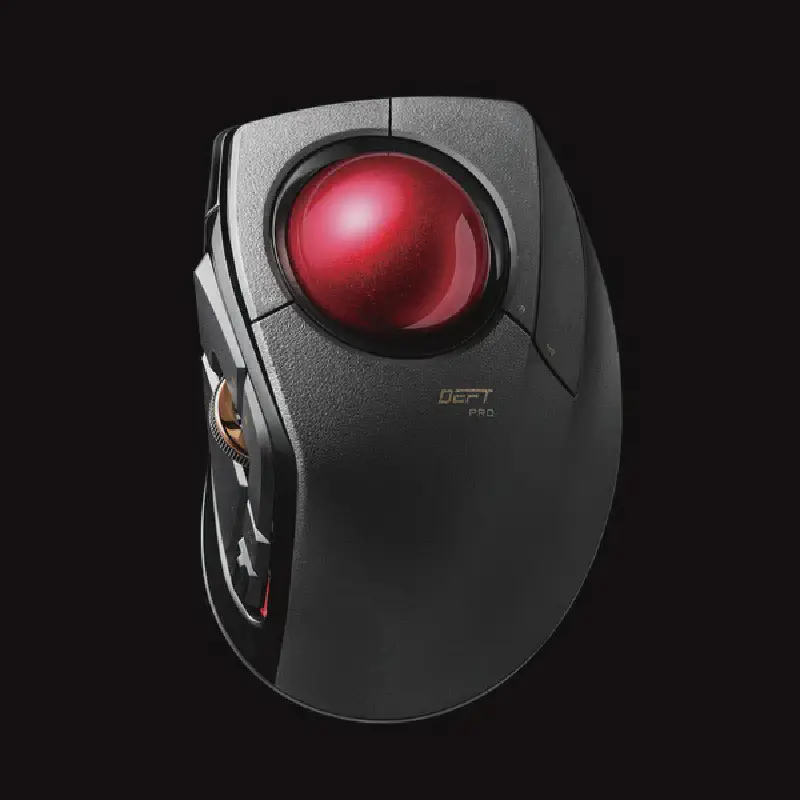
About the Elecom Trackball Deft Pro M-DPT1MRBK
It has been about a week since I purchased the Elecom trackball “Deft Pro M-DPT1MRBK”, so I will review my experience using it.
Main Features
- High number of buttons (8 buttons)
- Can be connected in 3 ways: wired, wireless receiver, and Bluetooth
- Large ball size (medium size, 44mm diameter)
- Purchase price on Amazon: ¥7,012 (as of May 2, 2021)
Pros
- Unlike a mouse, you don’t need to move your wrist, which reduces wrist strain.
- With many buttons, you can assign various functions to them.
 I currently have them assigned as shown above. You can also change button assignments per application.
- Dedicated software installation is required for button assignment.
- Since the buttons are large, it is relatively easy to make precise movements for a trackball.
Cons
- Dust accumulates around the trackball, so the ball needs to be removed and cleaned regularly (about once every few days).
- It takes time to get used to the different feel compared to a mouse, as you use your index and middle fingers to move the cursor and your thumb to operate the mouse wheel.
- Although I mentioned above that fine movements are easy, it is still difficult to move the cursor pixel by pixel with a trackball.
- You cannot operate the wheel while pressing the left button (e.g., when you want to zoom in or out while selecting an area in Paint).
Overall, I think it is on the expensive side for a trackball, but generally it is quite easy to operate and has improved my work efficiency. I hope this will be helpful for those considering purchasing it.