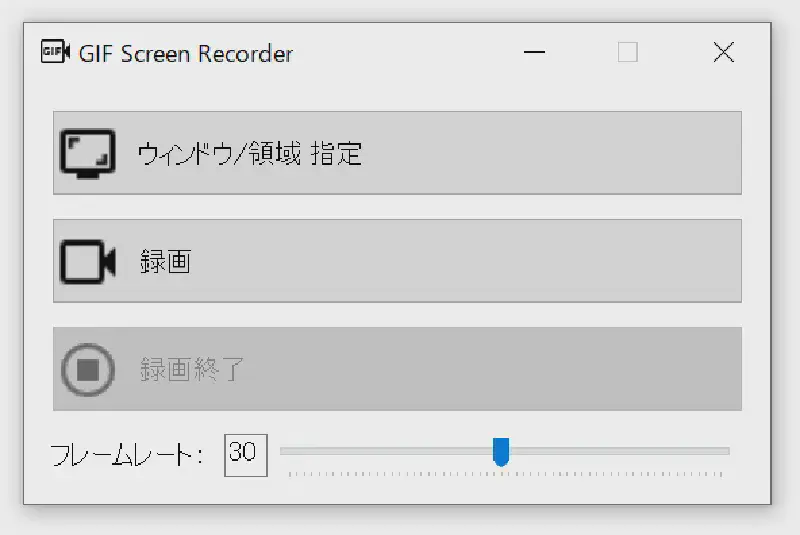
GIF Animation Screen Recording Tool
I created a tool to record the screen and convert it into a GIF animation. With this tool, you can record screen operations and share them via communication tools like Microsoft Teams.
How to Use
- Launch the tool.
- Specify the recording area. If not specified, the entire screen will be recorded.
- Press the record button.
- Press the stop recording button.
- The GIF animation will be output to the same location as the executable file.
Download
Open the link above and click the GIFScreenRecorder.exe link to download the executable file.