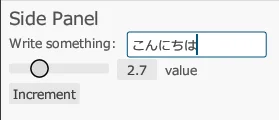
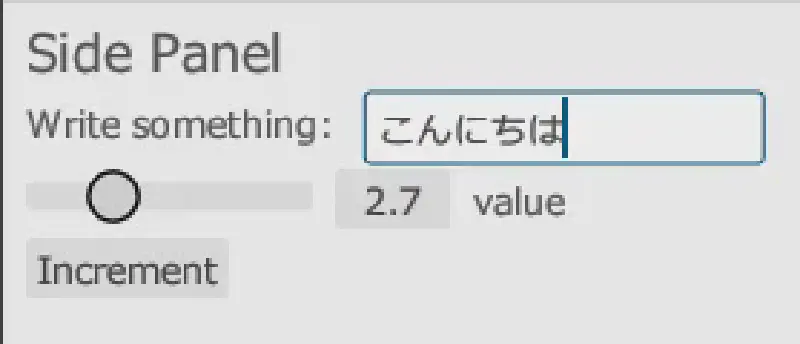
Get the egui sample
You can run the egui sample using the following commands:
1
2
3
| git clone https://github.com/emilk/eframe_template/ egui_test
cd egui_test
cargo run
|
Load a Japanese-compatible font
To display Japanese, you need to load a Japanese-compatible font.
Add the following lines inside the pub fn new method in src/app.rs.
 1
 2
 3
 4
 5
 6
 7
 8
 9
10
11
12
| // Load a Japanese-compatible font
let mut fonts = egui::FontDefinitions::default();
fonts.font_data.insert(
"Meiryo".to_owned(),
egui::FontData::from_static(include_bytes!("C:/Windows/Fonts/Meiryo.ttc")),
);
fonts
.families
.entry(egui::FontFamily::Proportional)
.or_default()
.insert(0, "Meiryo".to_owned());
cc.egui_ctx.set_fonts(fonts);
|
Now you can display Japanese.