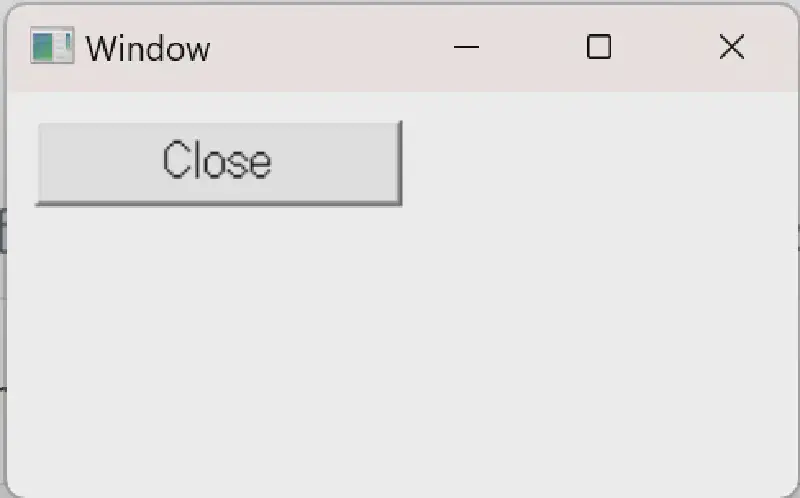
A button is one of the GUI controls and can be implemented with the standard Windows API.
When the area on the screen is clicked (mouse left button down, mouse left button up),
the processing specified in the program can be executed.
 1
 2
 3
 4
 5
 6
 7
 8
 9
10
11
12
13
14
15
16
17
18
19
20
21
22
| // Creating a button
CreateWindow(
TEXT("BUTTON"),
TEXT("Close"),
WS_CHILD|WS_VISIBLE,
10,10,128,30,
hWnd,
(HMENU)ID_BUTTON1,
((LPCREATESTRUCT)lParam)->hInstance,
0);
...
// A WM_COMMAND message is sent from the OS to the window when clicked.
case WM_COMMAND:
switch(LOWORD(wParam))
{
case ID_BUTTON1:
SendMessage(hWnd,WM_CLOSE,0,0);
break;
}
break;
|
Sample code is available below.
button